After the buy in April 2025: My review of HP ProBook 640 G8
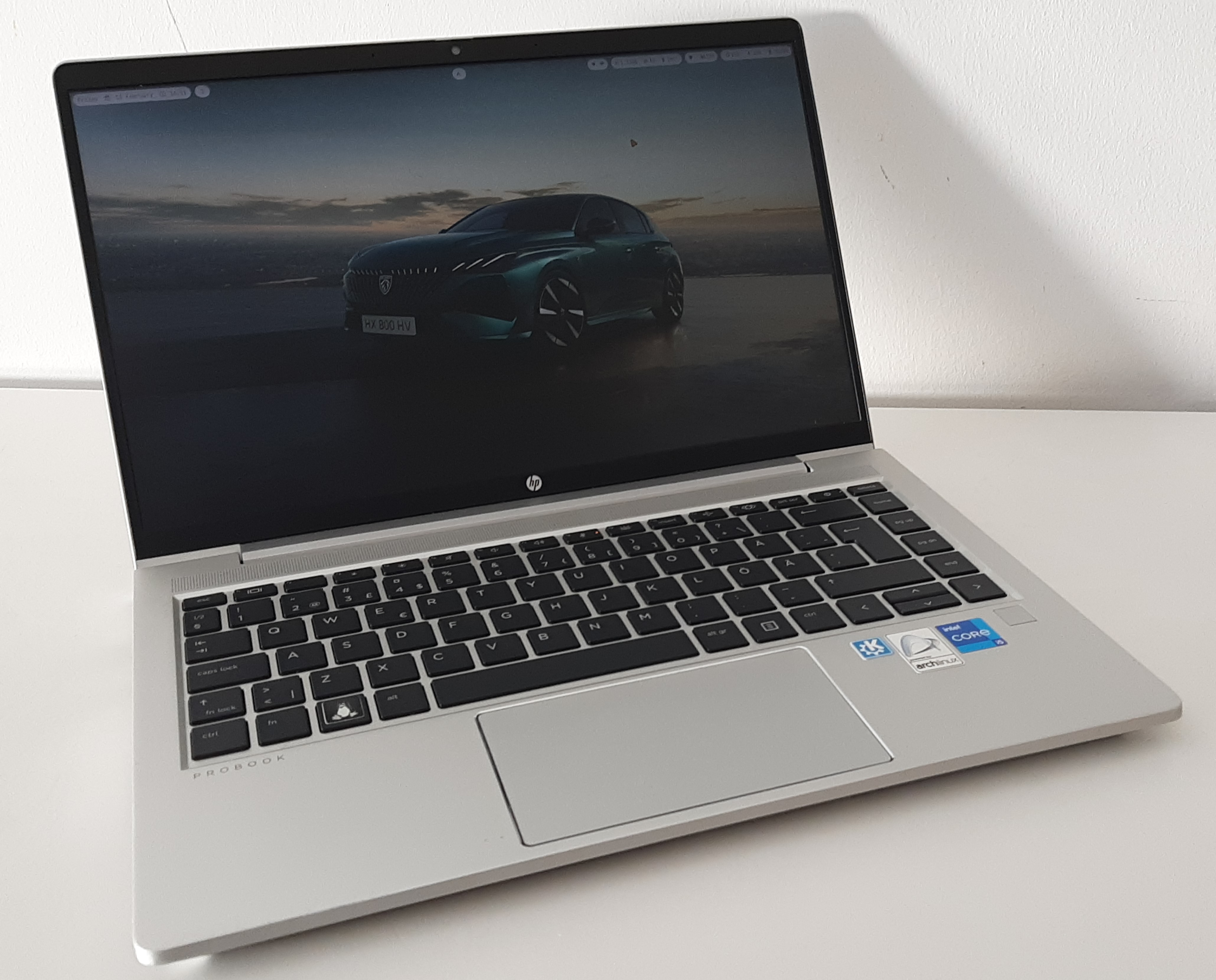
This review is not affiliated with HP nor any other brand and hasn’t any commercial goals. It was entirely written by me (Hippolyte), without any use of generative AI or translator
I bought this laptop refurbished on Backmarket. After lot of time enjoying this device, I decided to write this review that also introduces a new part of my personal website: my blog. I hope it will interest you and maybe help you choose an eventual next computer 😉.
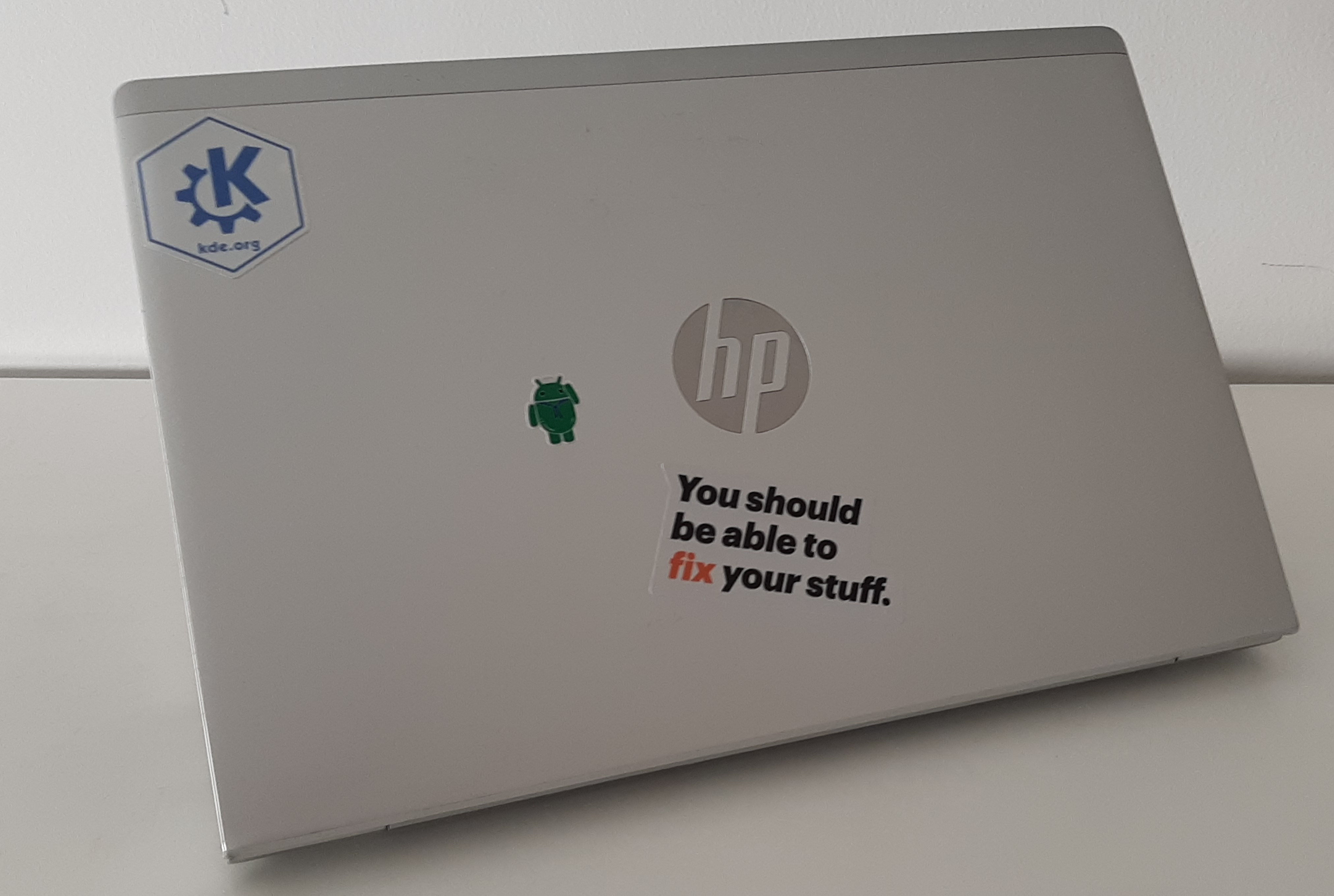
Specifications
- CPU: Intel Core I5 1135G7 11th. gen, 4 core 8 threads
- GPU: integrated Intel Iris XE
- RAM: 1x 16 GB DDR4 (non-soldered), two slots, up to 64 GB
- SSD: 256 GB M.2 NVME, blazingly fast!
- Network card: Intel AX201, Wi-Fi 6, Bluetooth 5.2

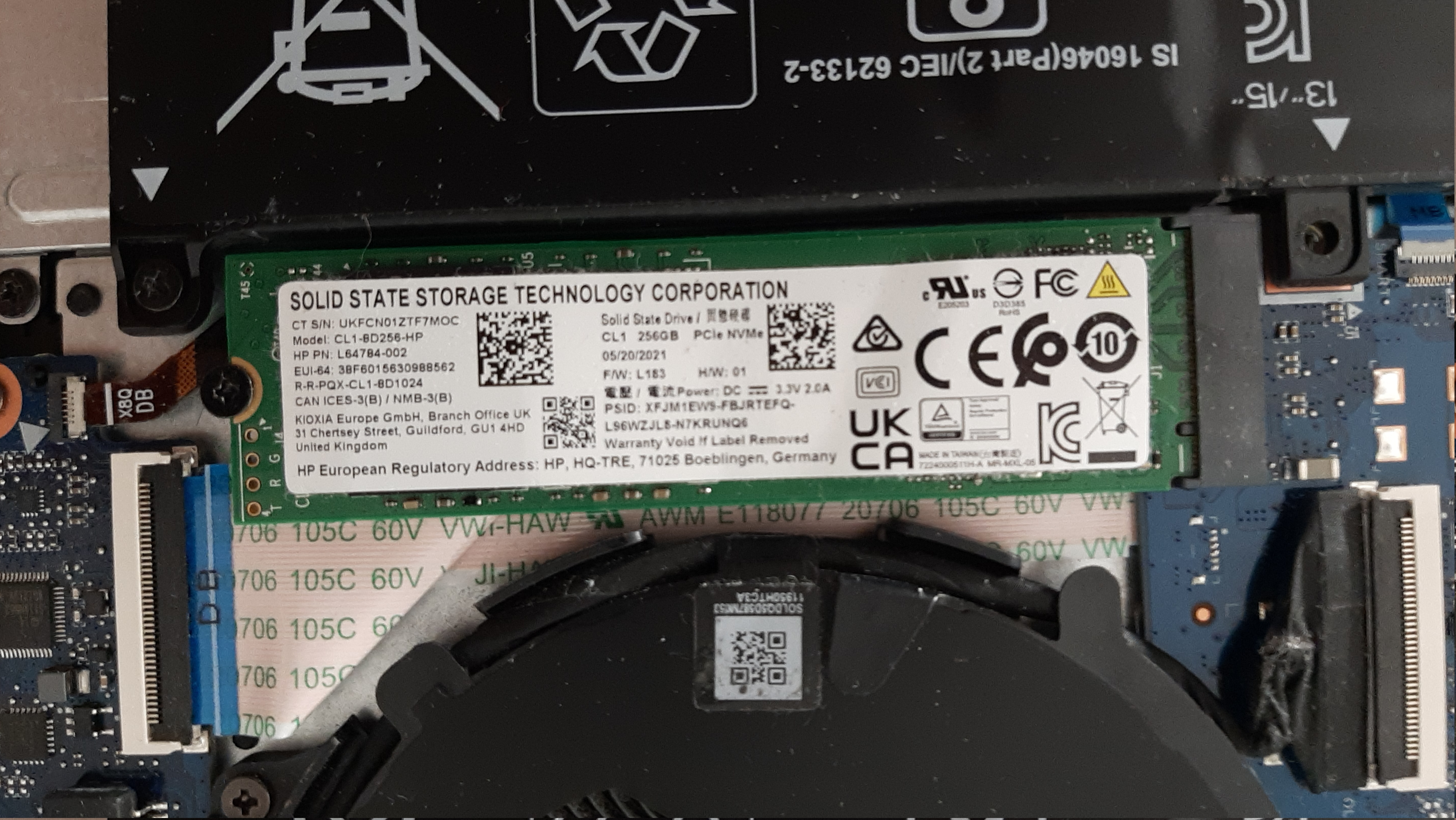
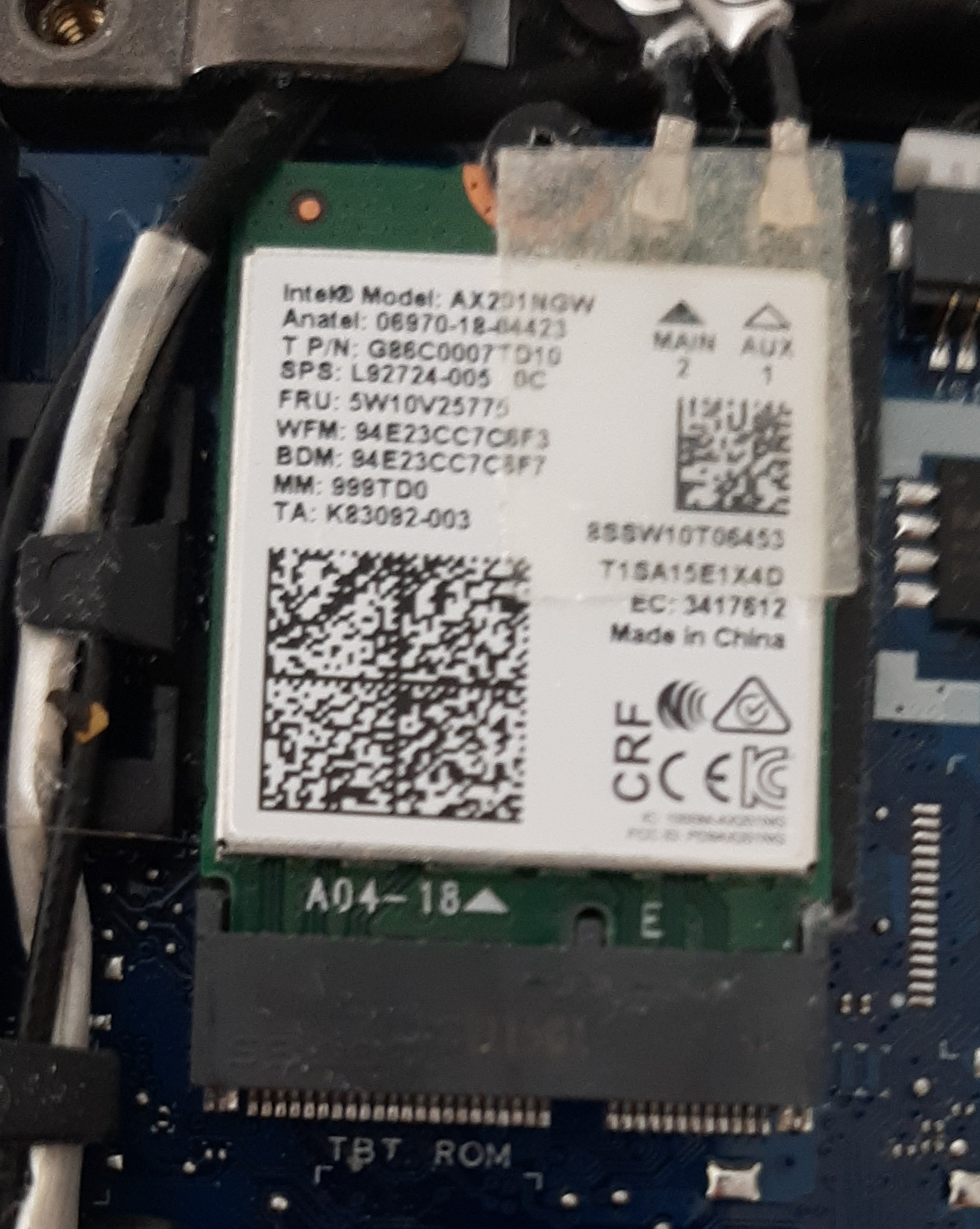
The laptop was sold with lots of others 11th. gen Intel CPUs(some I3s,I5s and I7s).
Screen
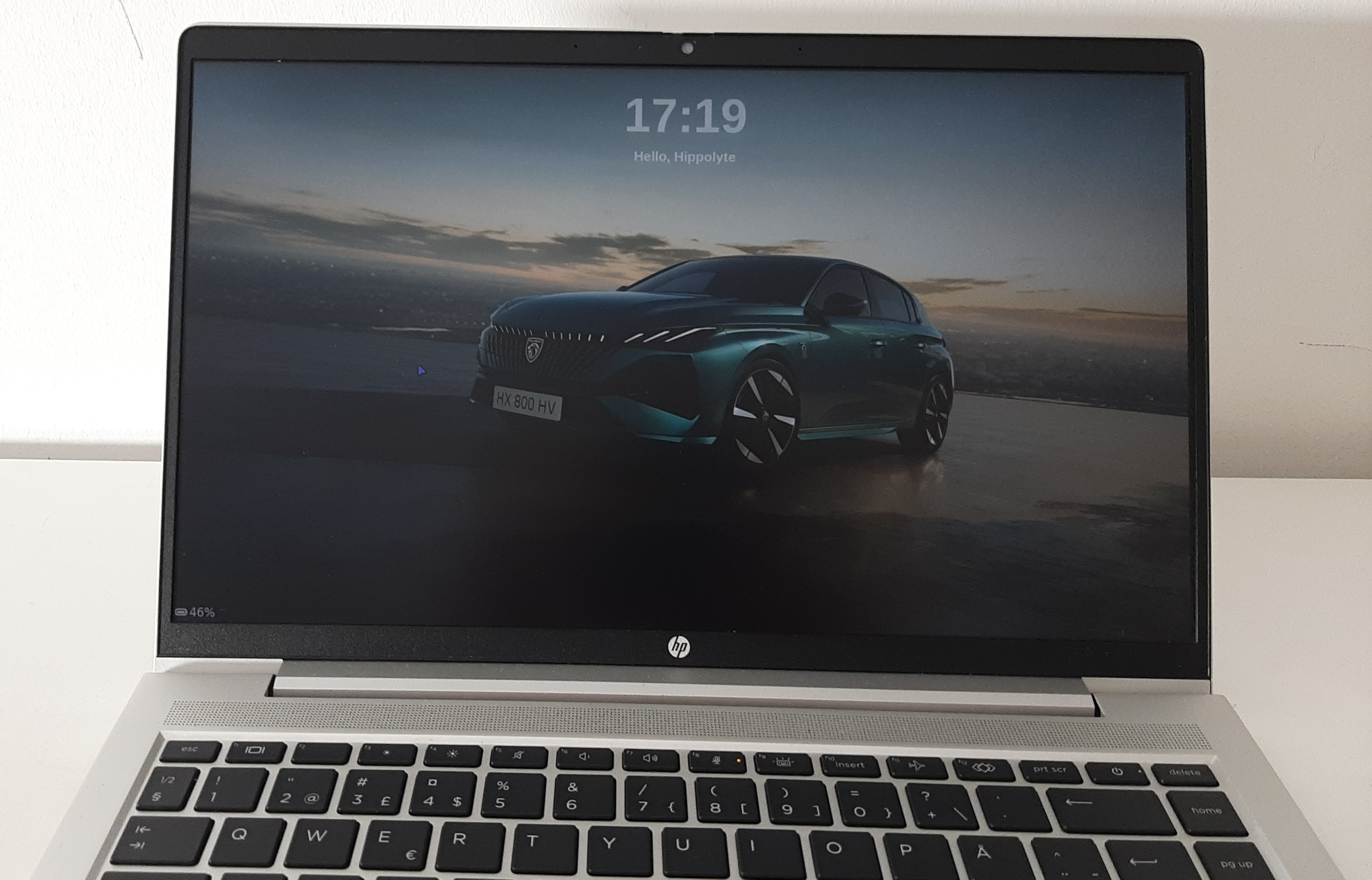
The borders of the screen are ultra, ultra-thin: 3 millimeters on the sides and 9 millimeters on top and bottom. With such bezels, the PC has an incredible 88% screen-to-body ratio. The display is in FHD (full HD) resolution (1920×1080 pixels) and has a big 14” size in a 16:9 aspect ratio. Moreover, the screen is anti-glare. Keep in mind that the display does not benefit of the OLED technology.
Design and look
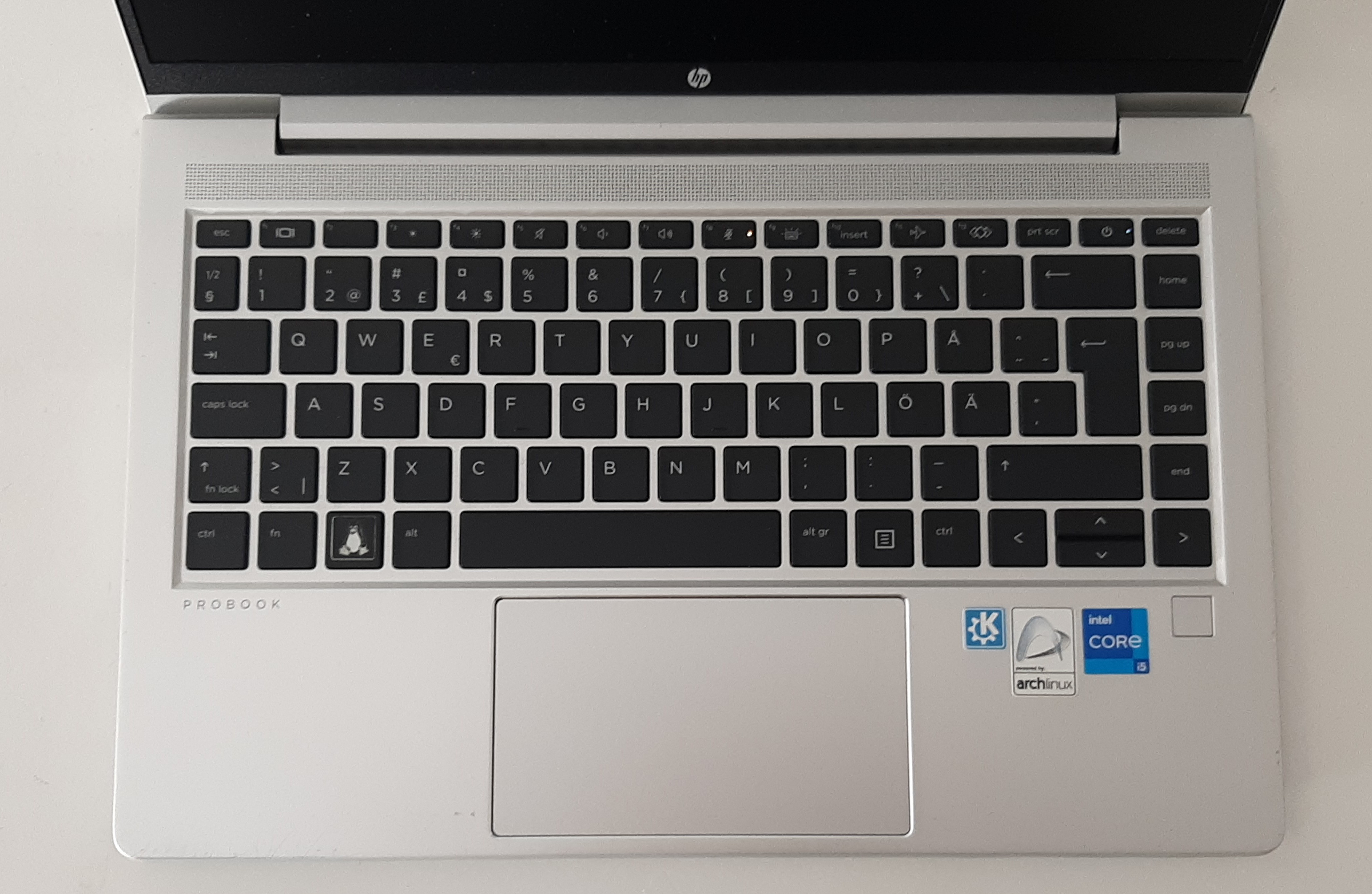
The first things we see after buying this laptop are the design and the look, and the minimum I can say is that the laptop is perfect in this category. The frame is in light gray brushed aluminum, which in one hand looks really elegant and premium, and on the other hand is pleasant to touch. The touchpad has hidden physical keys, is pretty big (11,5/6,5 cm), and has shiny chrome on the borders. It’s another time a really elegant piece of hardware.
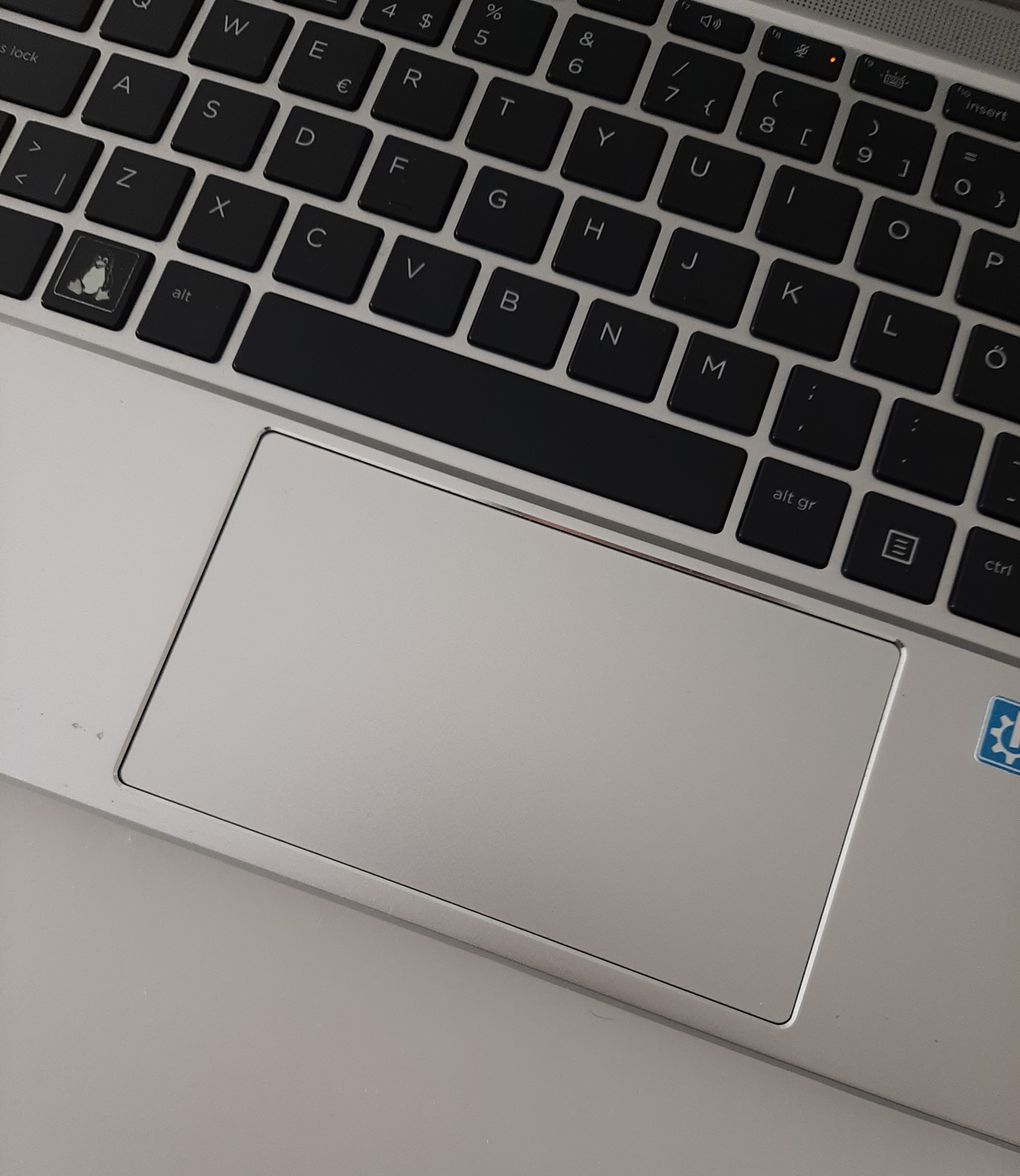
The speakers are on top of the keyboard and excellently integrated in the design.
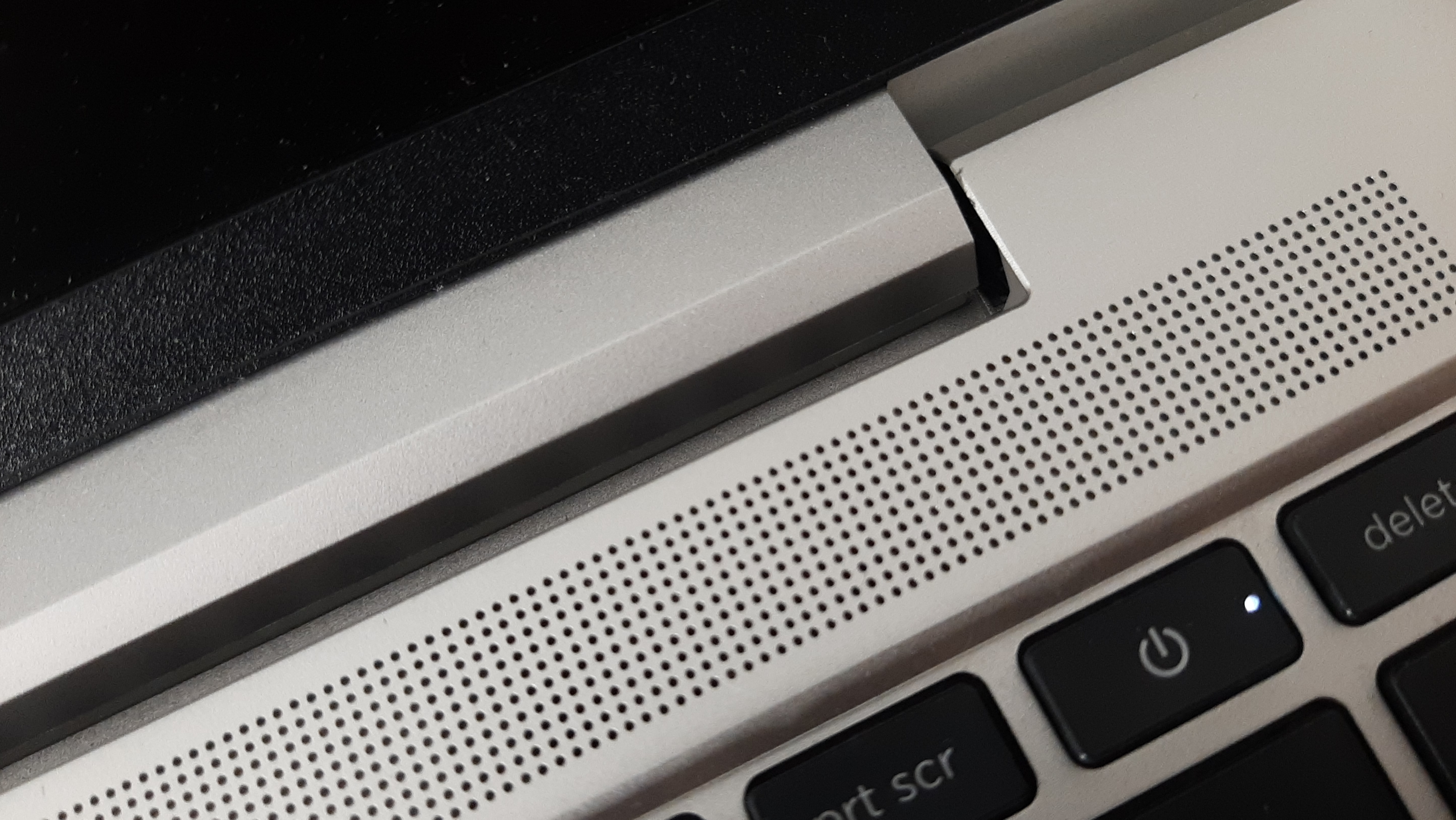
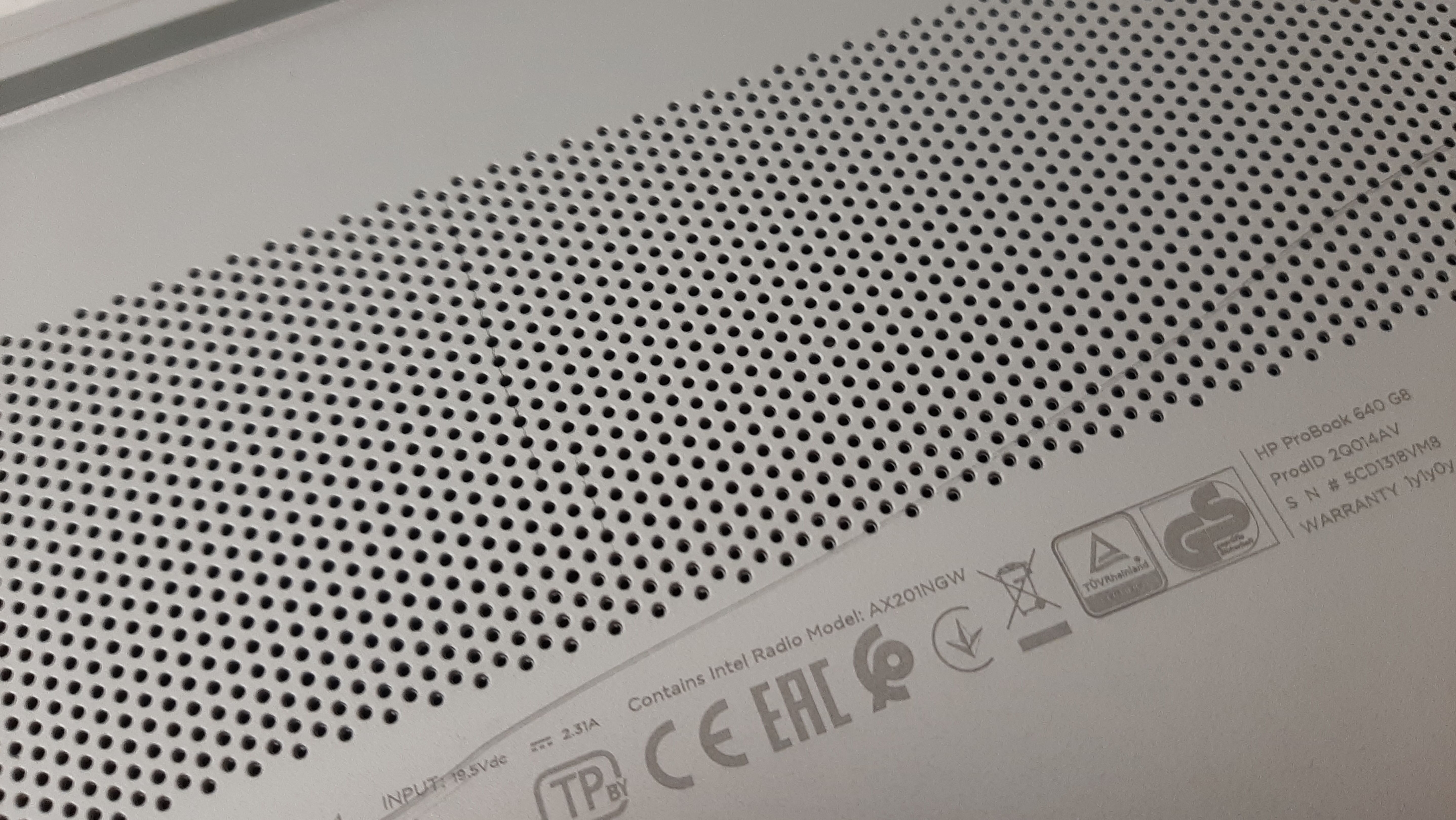
The holes for under the laptop are not those ugly holes only here for cooling we see on lots of laptops. No, those fan holes are a real piece of art and bring the premium elegant look of the computer forward in the tiniest details.
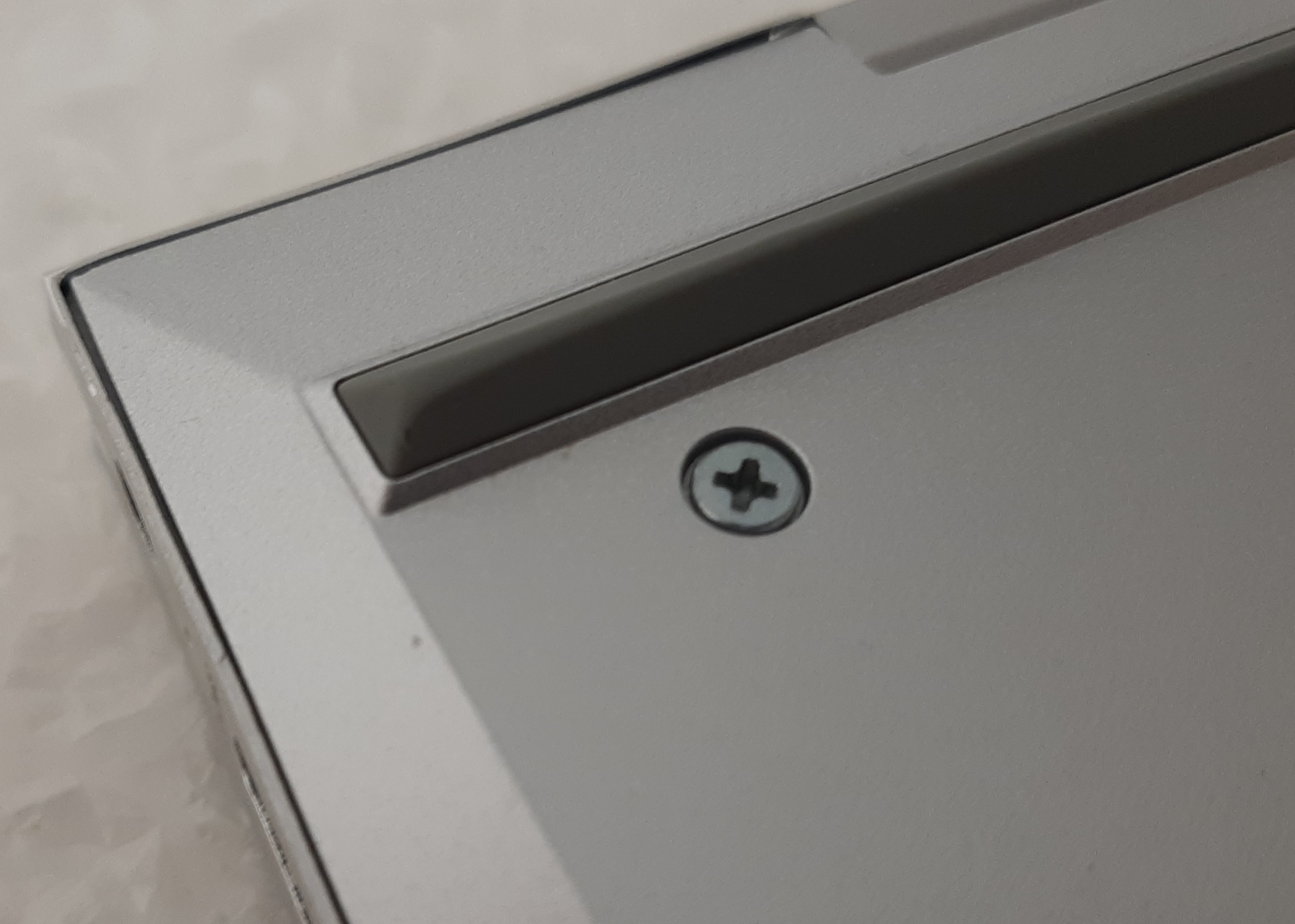
The rubber feet are long, gray, and prism shaped. It integrates them good in the overall design and makes them very stylish.
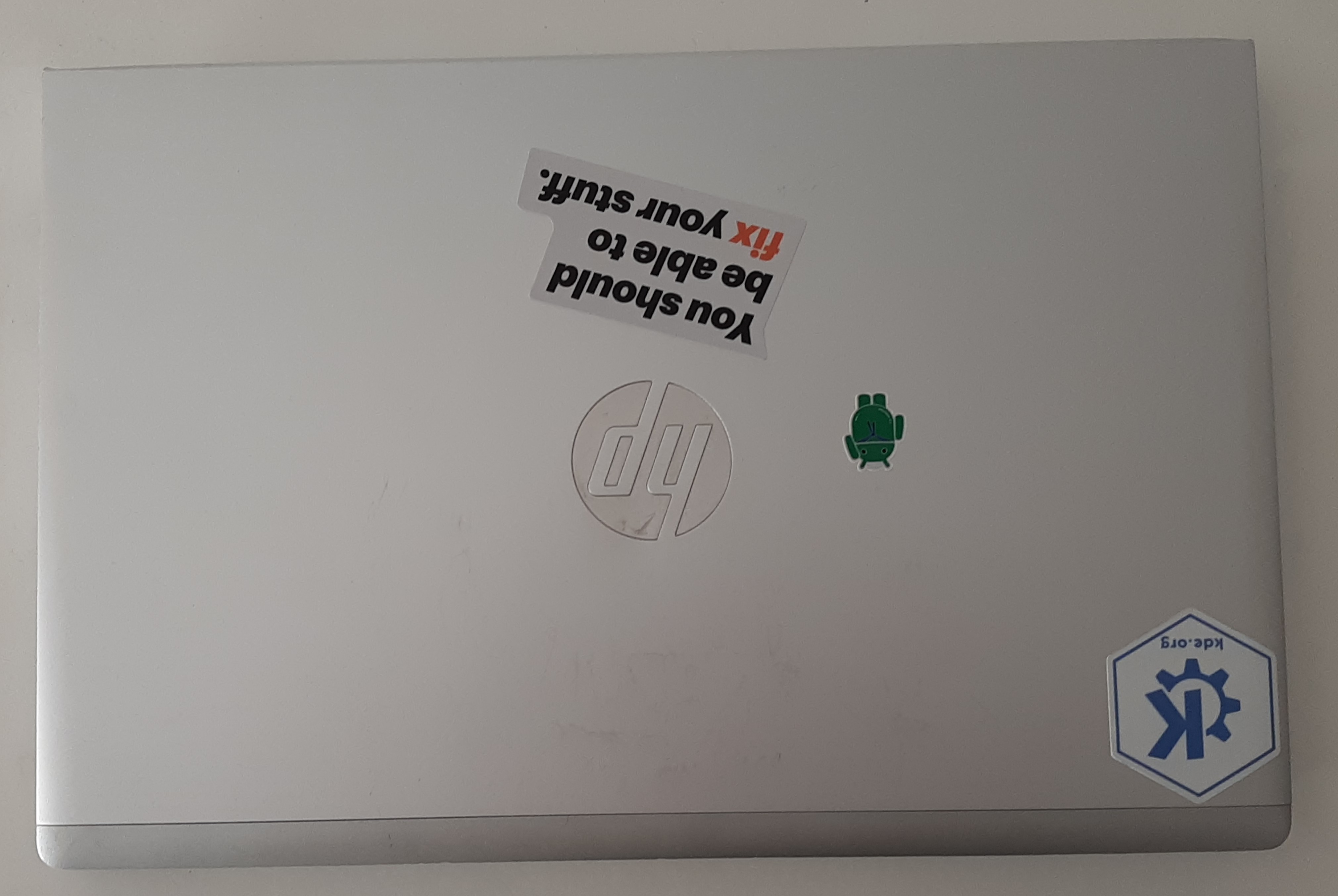
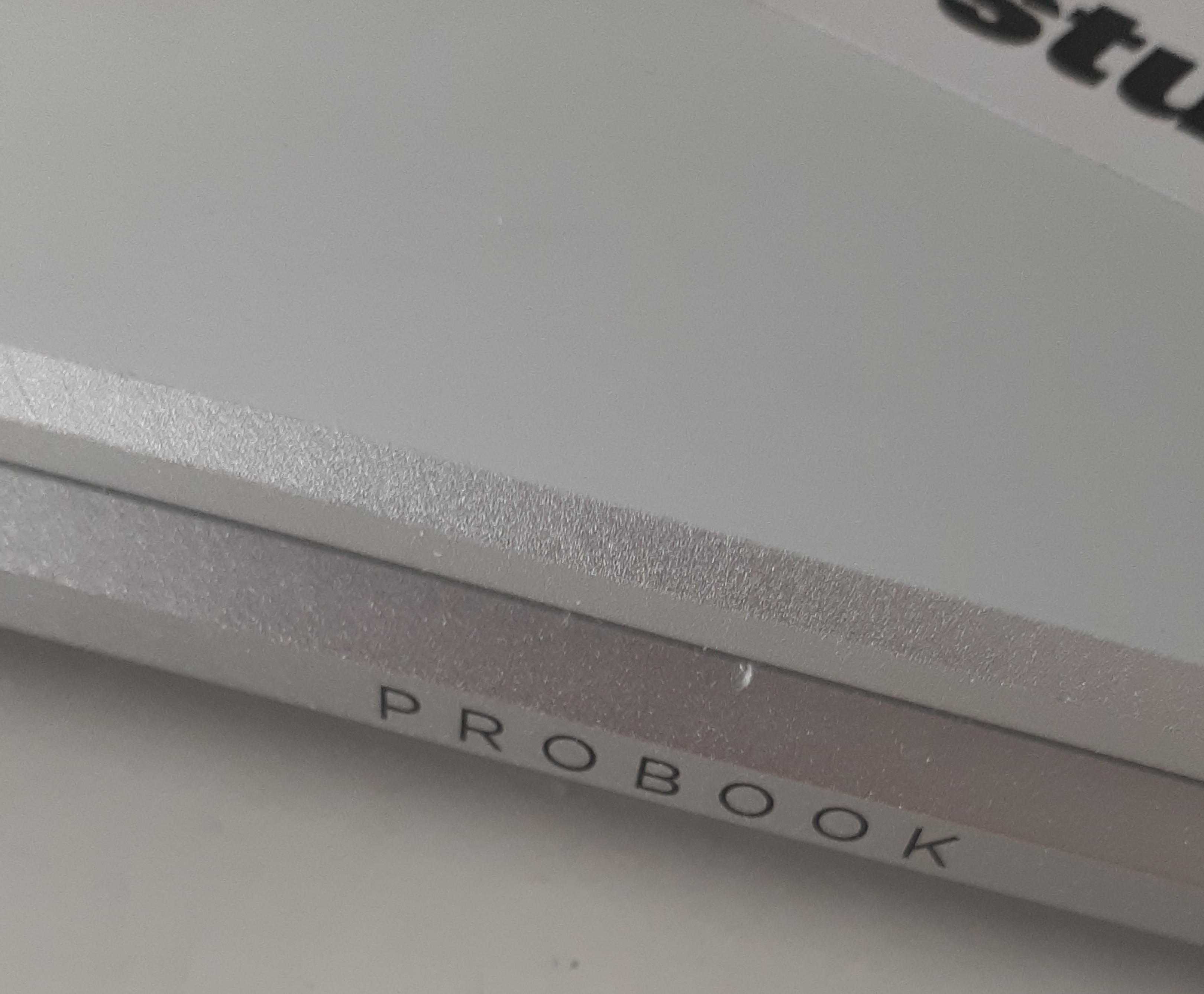
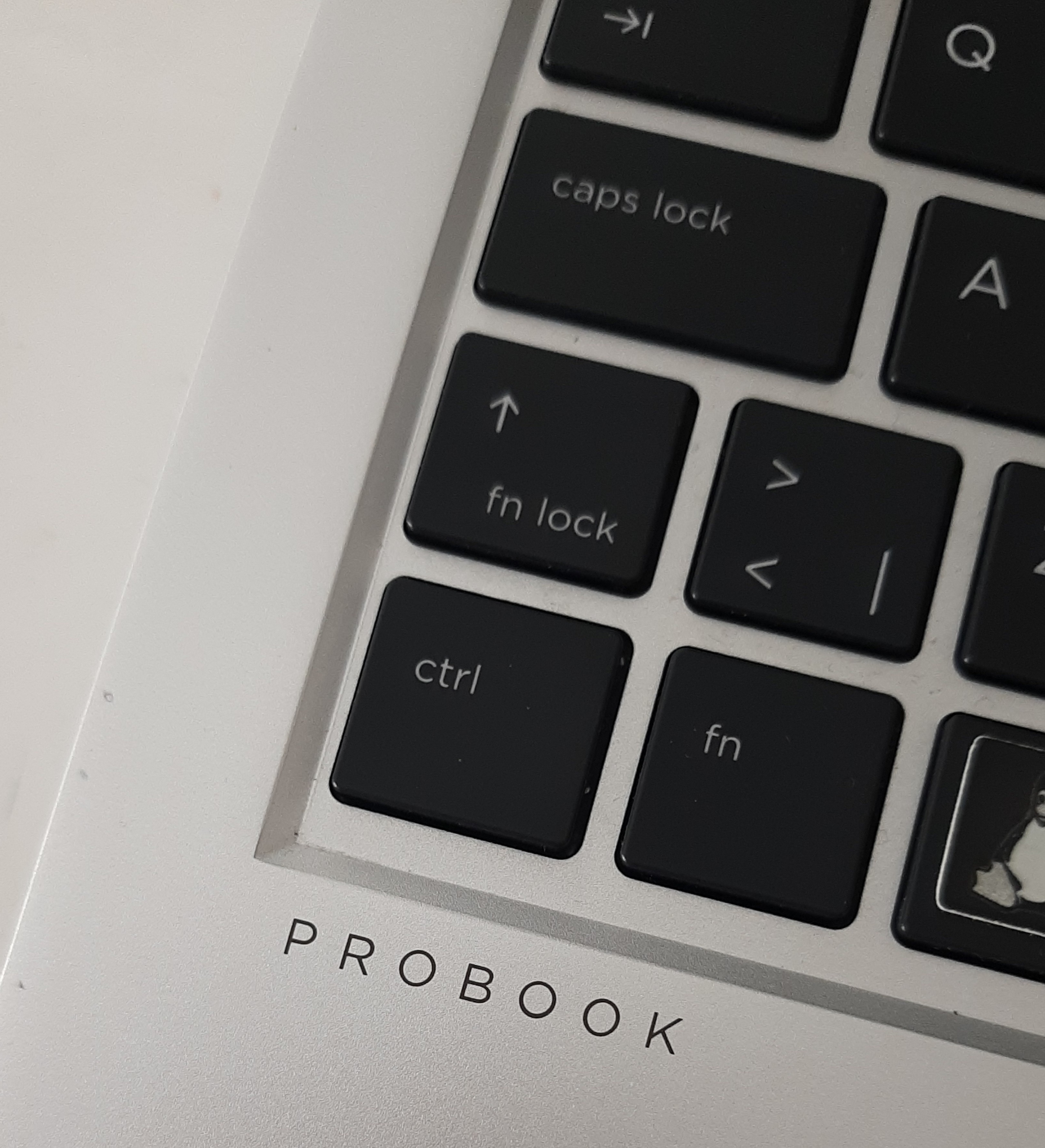
It has a single hinge (single hinges are beautiful and amazing) which hides other fan holes and has PROBOOK written on the back(the same wordmark is present on the left side of the touchpad).
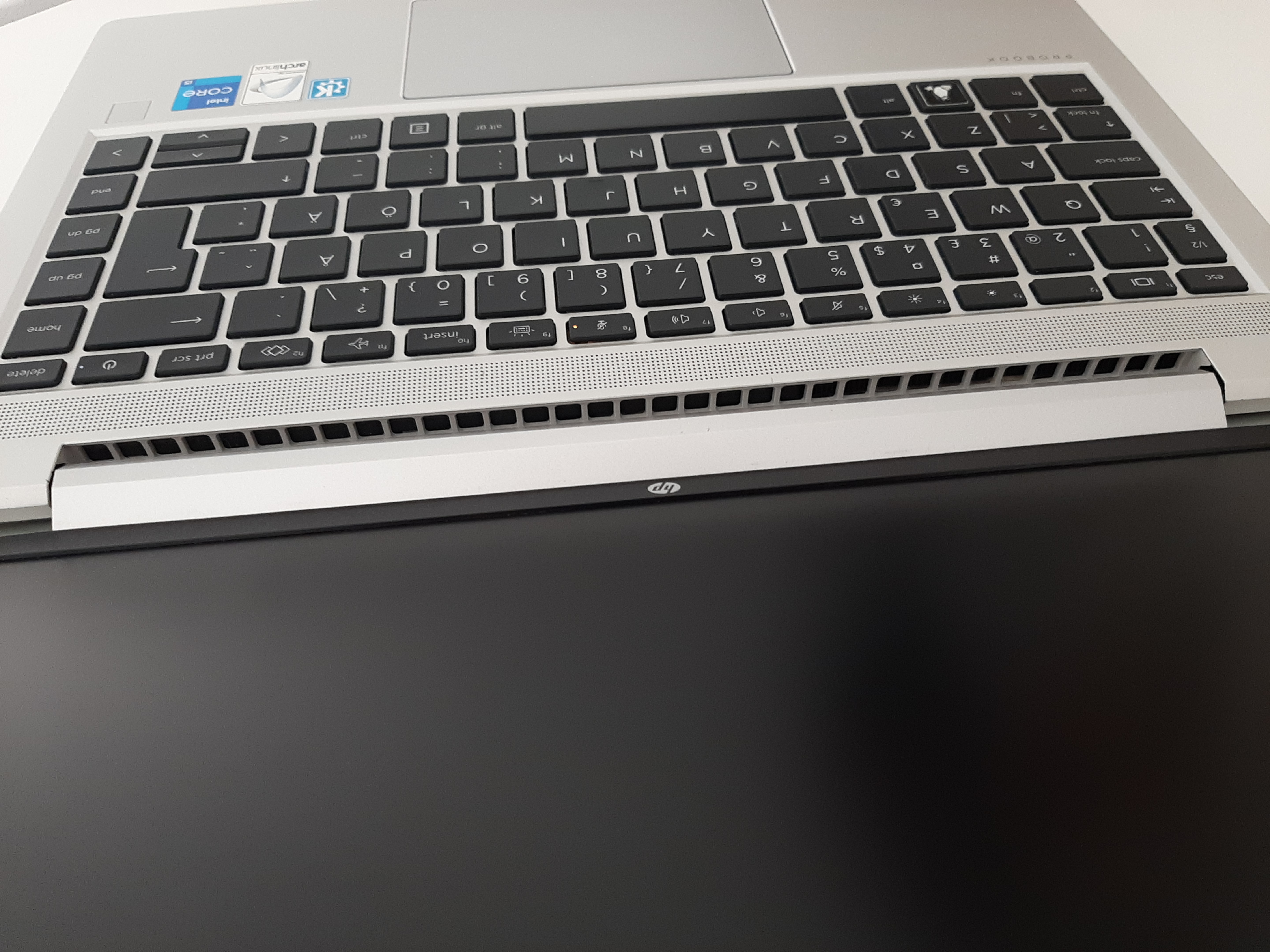
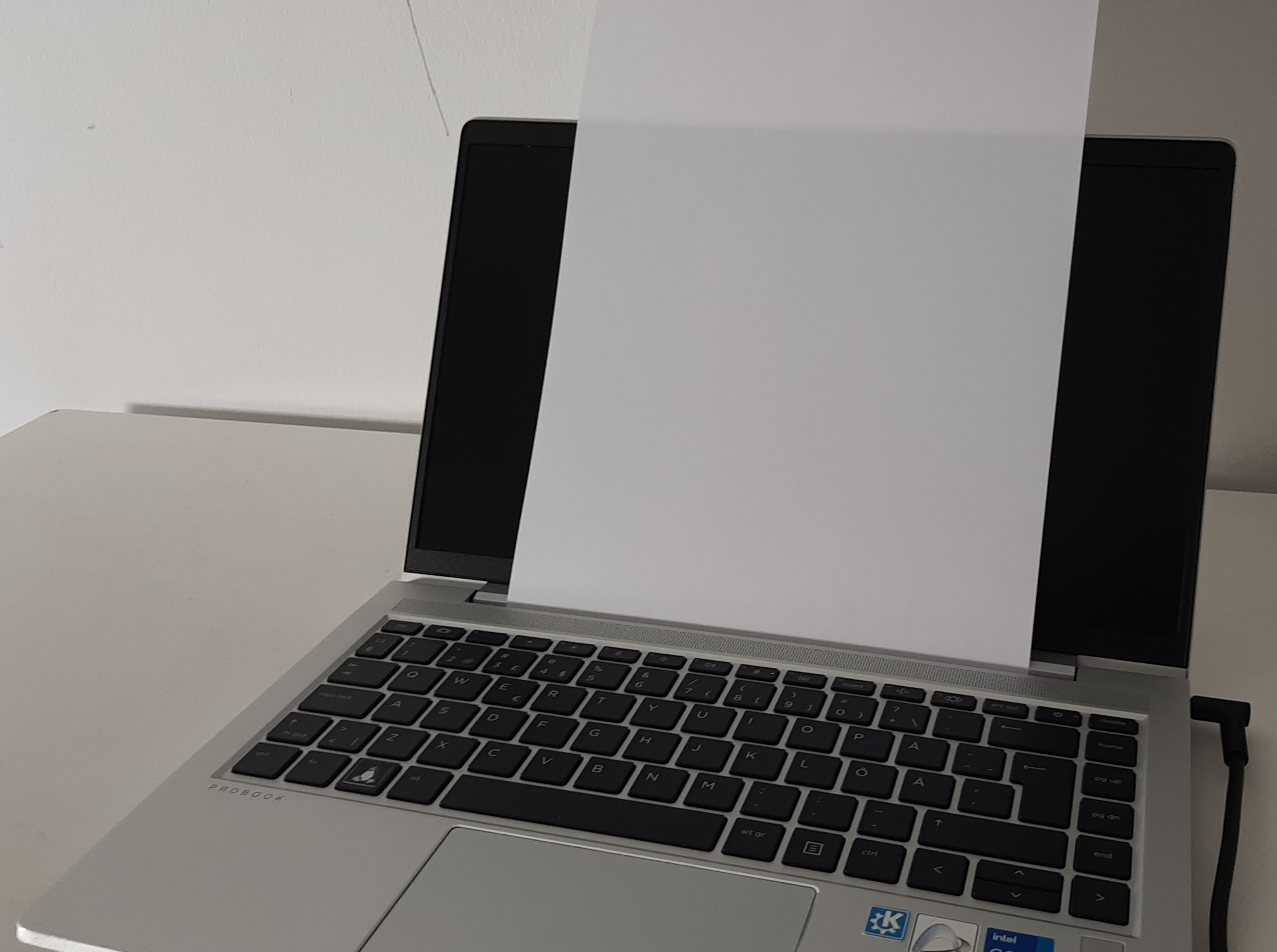
By the way, the hinge is very practical: you can put an A4 paper in it.
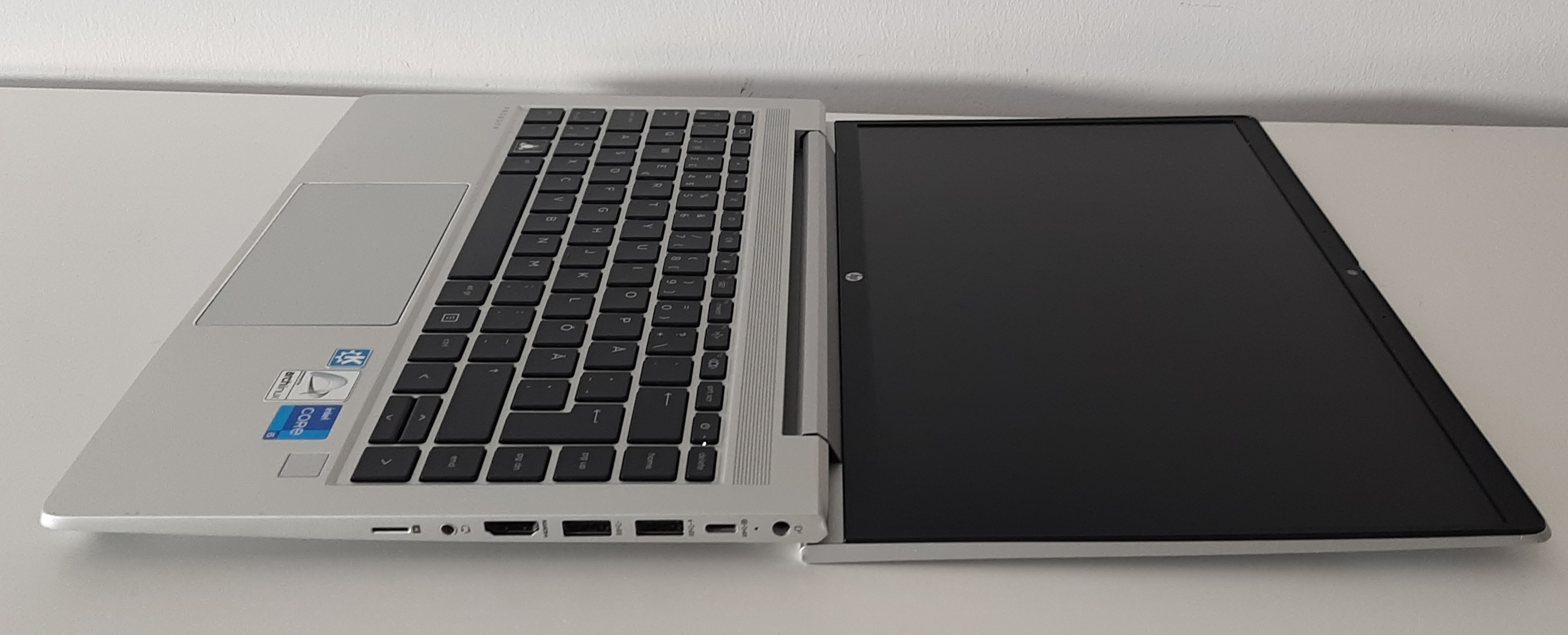
Talking from the hinge, another practical aspect is that it can be opened to 180°.
To conclude, the laptop looks clean, professional, elegant, premium, expensive, modern and beautiful.
User freedom, free software and privacy
Let’s begin with good news: this PC is a classical x86_64, an architecture that works really great under Linux.
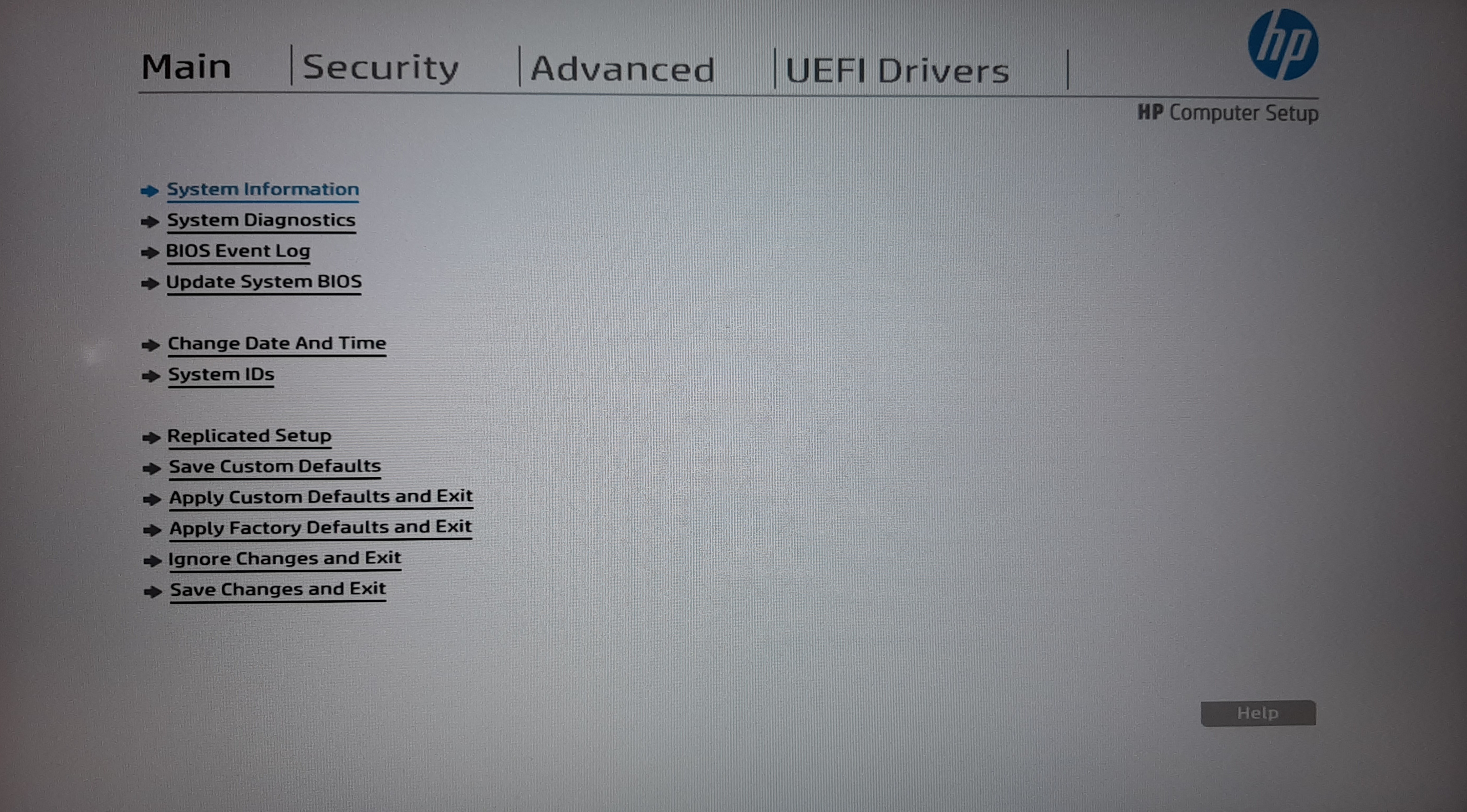
All the components are working good. The network card, an Intel AX201 is ultra widely used in laptops and has this way good compatibility on Linux.
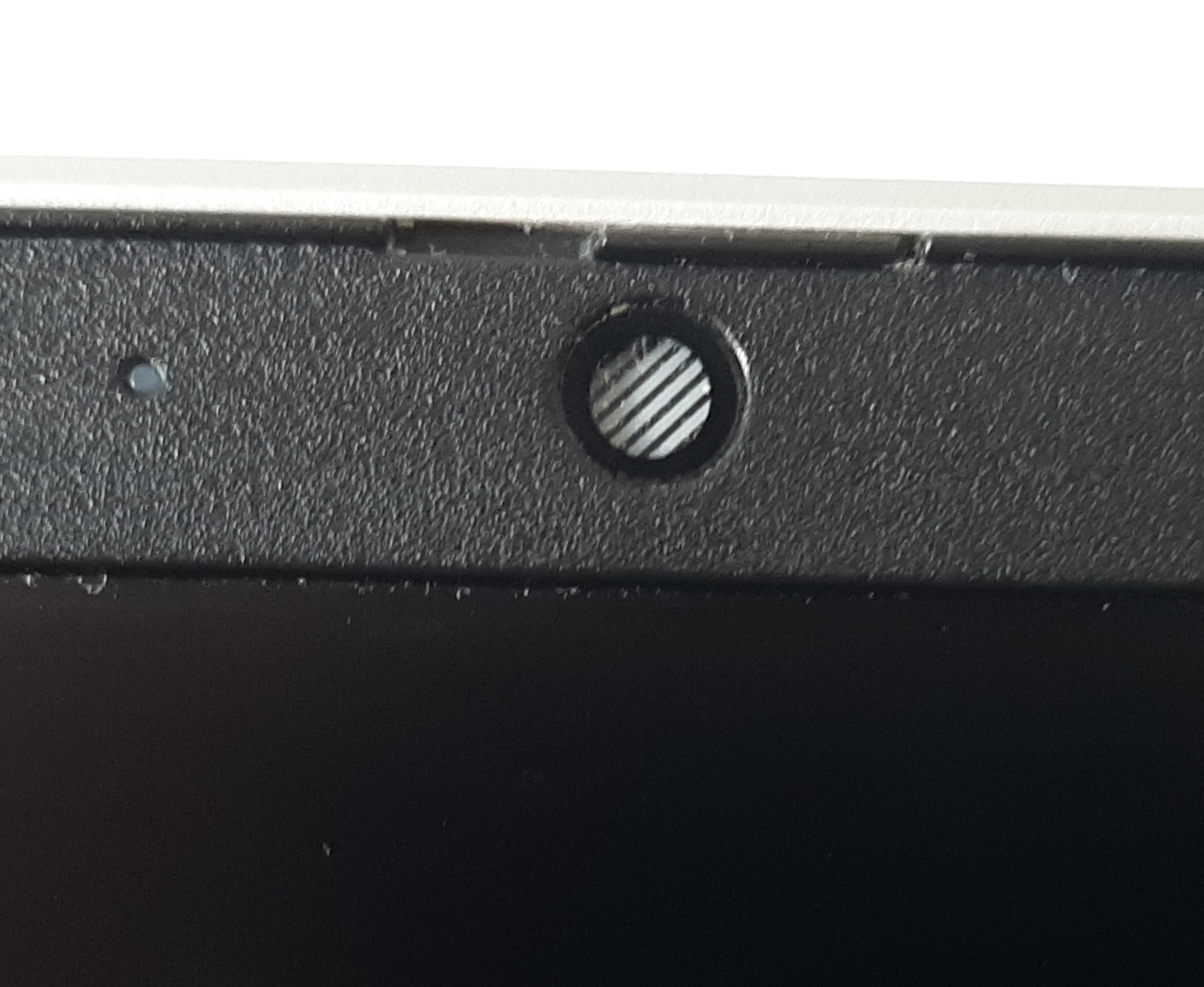
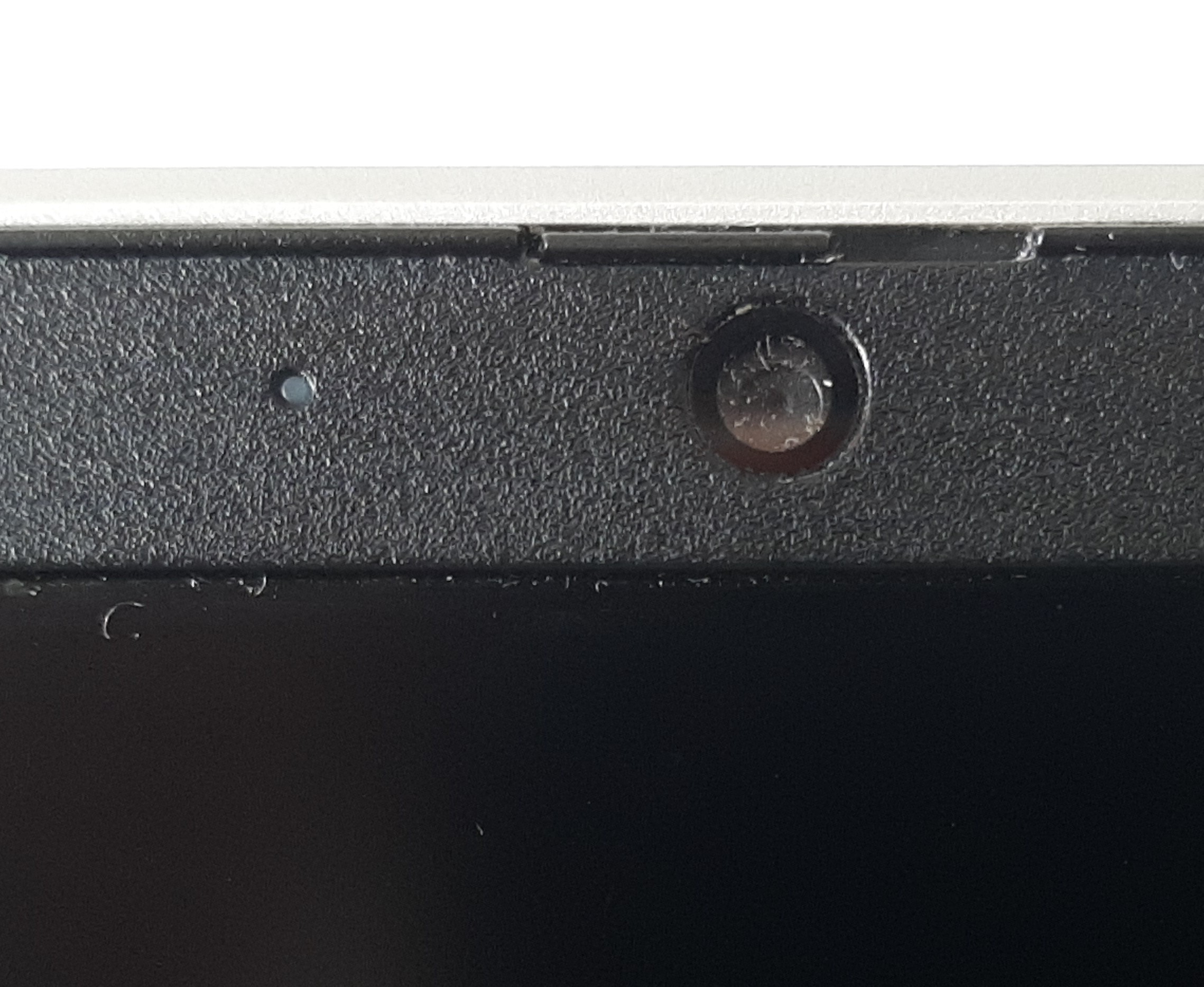
By the way, there's an integrated switch to hide the webcam, which is a good thing because US intelligence agencies can access the camera of fast all the information devices(Edward Snowden d it).
Those are the bad news: The firmware on the PC like the BIOS is completely closed-source, which implies that you can’t completely trust your device because there’s creepy code and obscure components included in it that you can’t really remove or modify. In my opinion, the Intel Management is the supreme example of this: it’s a chip that has complete access and control over the computer, even over the network! It works even when the device is turned off and runs signed code. Furthermore, the IME is very hard to disable. If you want to know more about it, do some research on the internet (I reccommend you this great article from the FSF).
Fingerprint reader
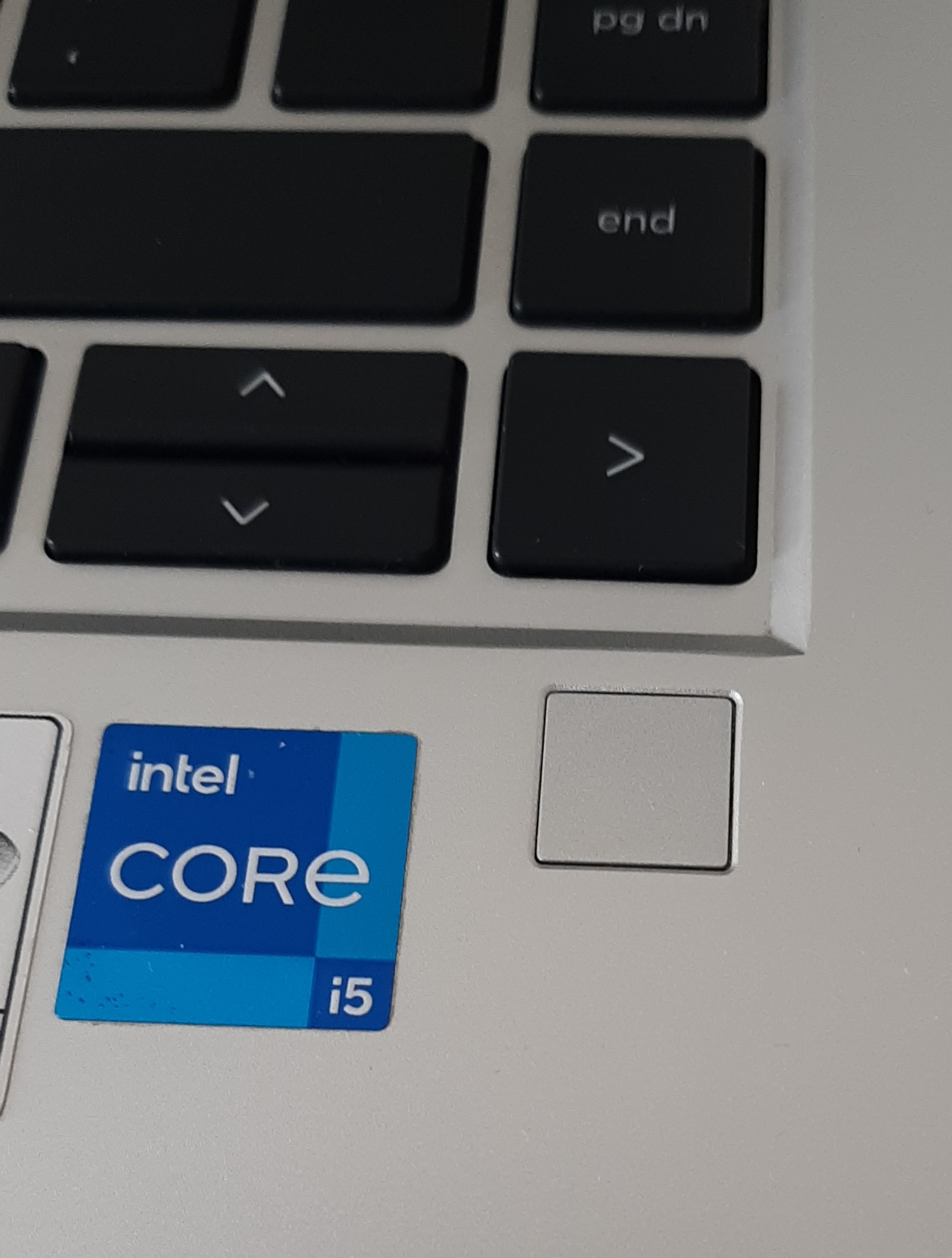
During long time, I didn't understood the situation of the fingerprint reader: I thought it was unsupported under Linux and I didn't saw it in lsusb, but some people on the internet said that their FPR (fingerprint reader) worked under Linux.
A few times ago, I made an integral teardown of my laptop and discovered that what I thought was a FPR wasn't one. It was a piece of plastic that looks exactly like the FPR. In fact, FPR is optional and they put a plastic piece on devices that don't have it. As amazing Linux is, it can't support a piece of plastic 🤣!
When you have it, the FPR is Synaptics FS7604 Touch Fingerprint Sensor with PurePrint, has USB id 06cb:00f0 and is officially supported by fprintd. Be aware that ProBook 630, 640 and 650 G8 have exactly the same reader BUT the cable size is different depending on the model: I bought a ProBook 630 G8 (13") FPR on Ebay, but the cable is too short for my 640 G8 (14").
Repairability, robustness and upgradability
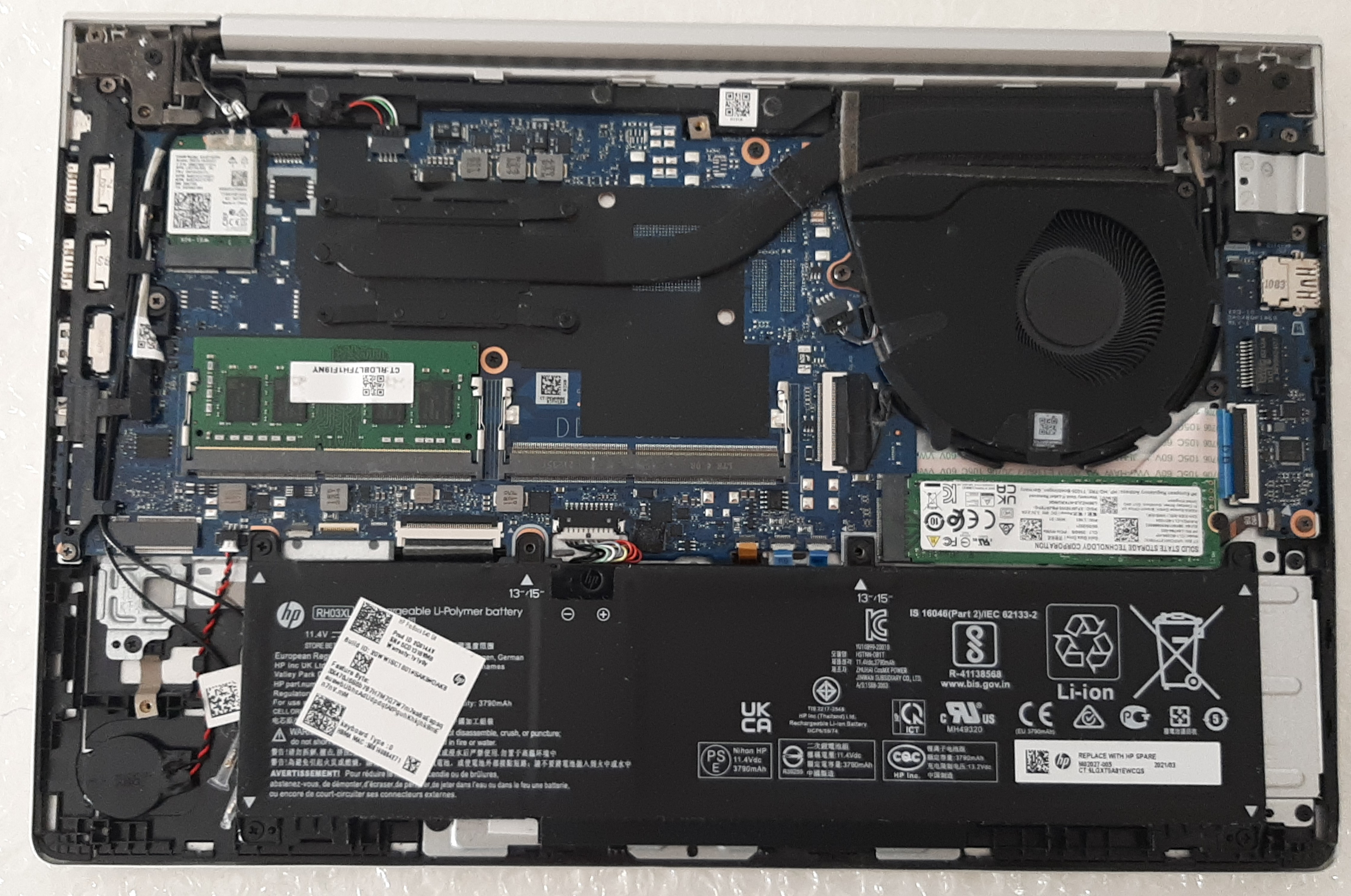
In this category, the ProBook 640 G8 is pretty good: the RAM, SSD, battery and network card are easily accessible and replaceable. HP makes a document available that explains how to repair the device.
Opposed to the the rest of the computer, the keyboard is really a mess to replace as well as a complete design failure. Firstly, HP officially states that the keyboard isn't independantely replaceable and included into the palm rest. The company doesn't make any official documentation available about the replacement of the keyboard alone. To replace it, you have to first to completely disassemble the laptop (including removel of motherboard and display). The keyboard is maintained in place by a metal plate that's attached to the palm rest by plastic pieces. You've to remove all of them with a cutter, replace the keyboard, and then solder all the plastic pieces back in place. It's really sad to have such a complicated procedure to replace a basic component such as the keyboard in a so repairable laptop.
Unlike the palm rest, the bottom cover is really well designed. The 5 generic screws stay attached to the bottom cover when unscrewed, what makes them very hard to loose and you can change them with others screws. After exchanging them, they still stay attached to the bottom cover.
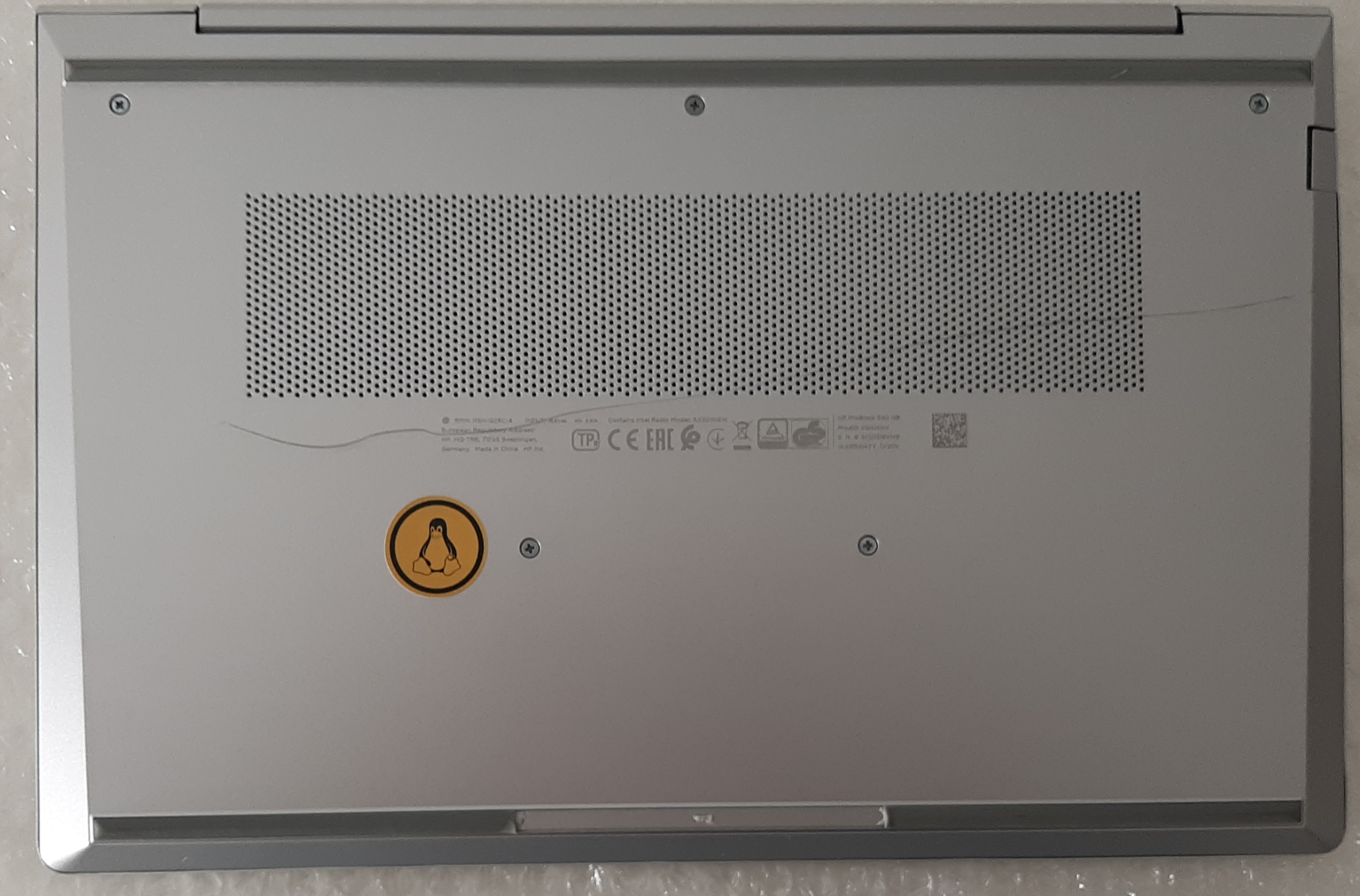
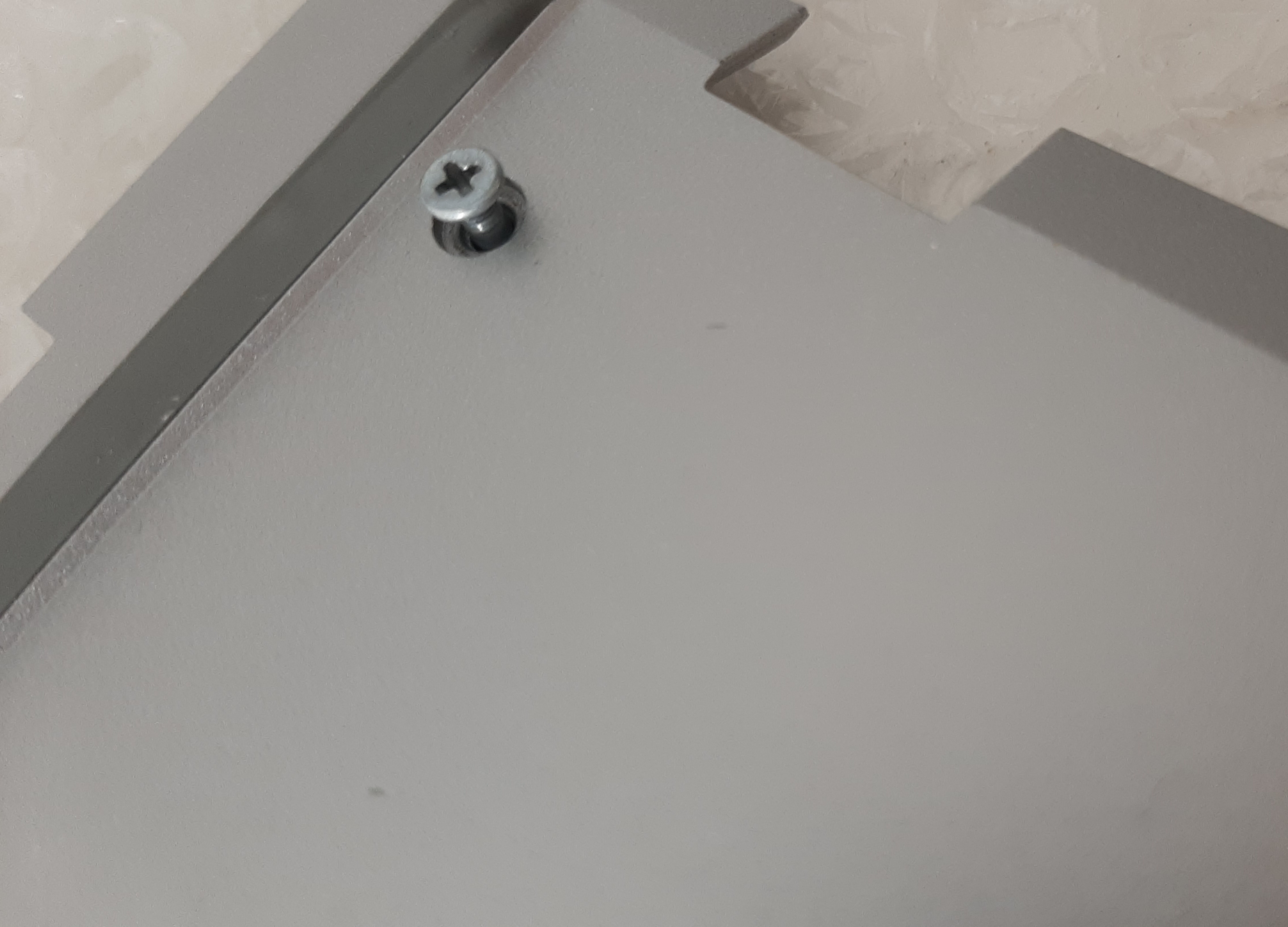
Furthermore, no major component excluding the CPU are soldered. The RAM can be upgraded up to 64 GB and has two slots. All those points makes it an excellent choice for the future. Keep in mind that there’s only one SSD slot.
The chassis isn't robust at all ("military grade resistance" is pure and simple marketing). It can be very easily damaged by litte things. So, if you have to carry the laptop, always do it with thick bubble wrap and handle your device with care, even if it's inside the bag.
Battery
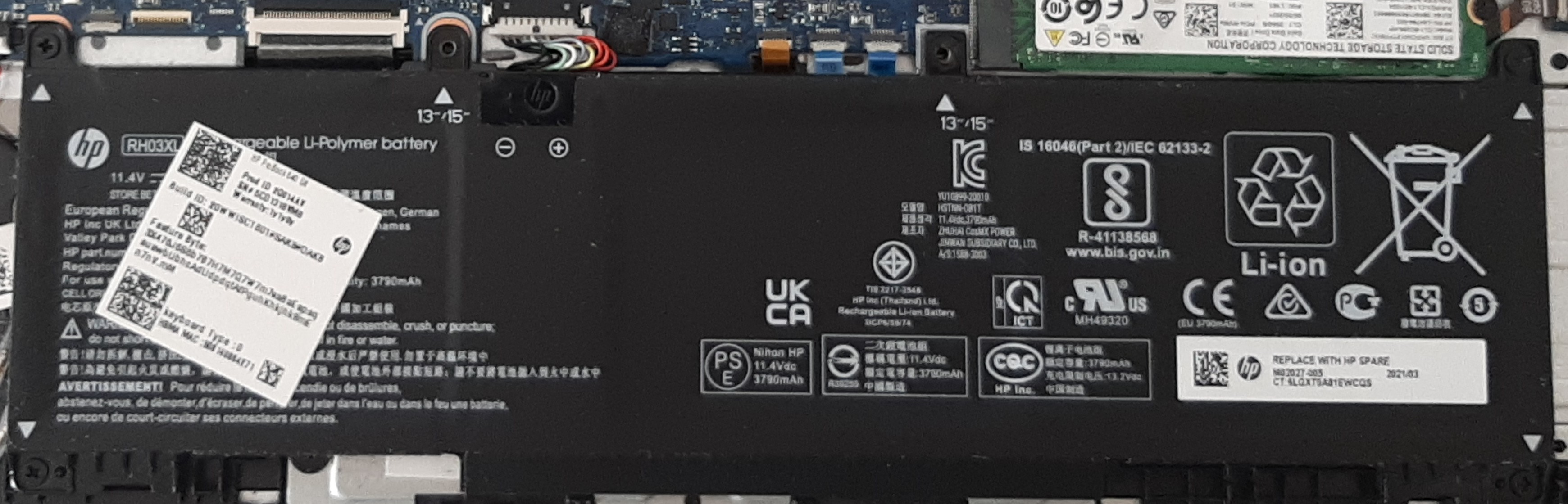
The battery charges very, very fast, even if I’ve disabled fast charge in the BIOS (because fast charge makes the battery hot and destroys it), The battery charges from 40 to 80% in around 40 minutes (I always charge my PC from 40 to 80%, and, with this behaviour, the battery health is exactly the same as the one when I bought it).
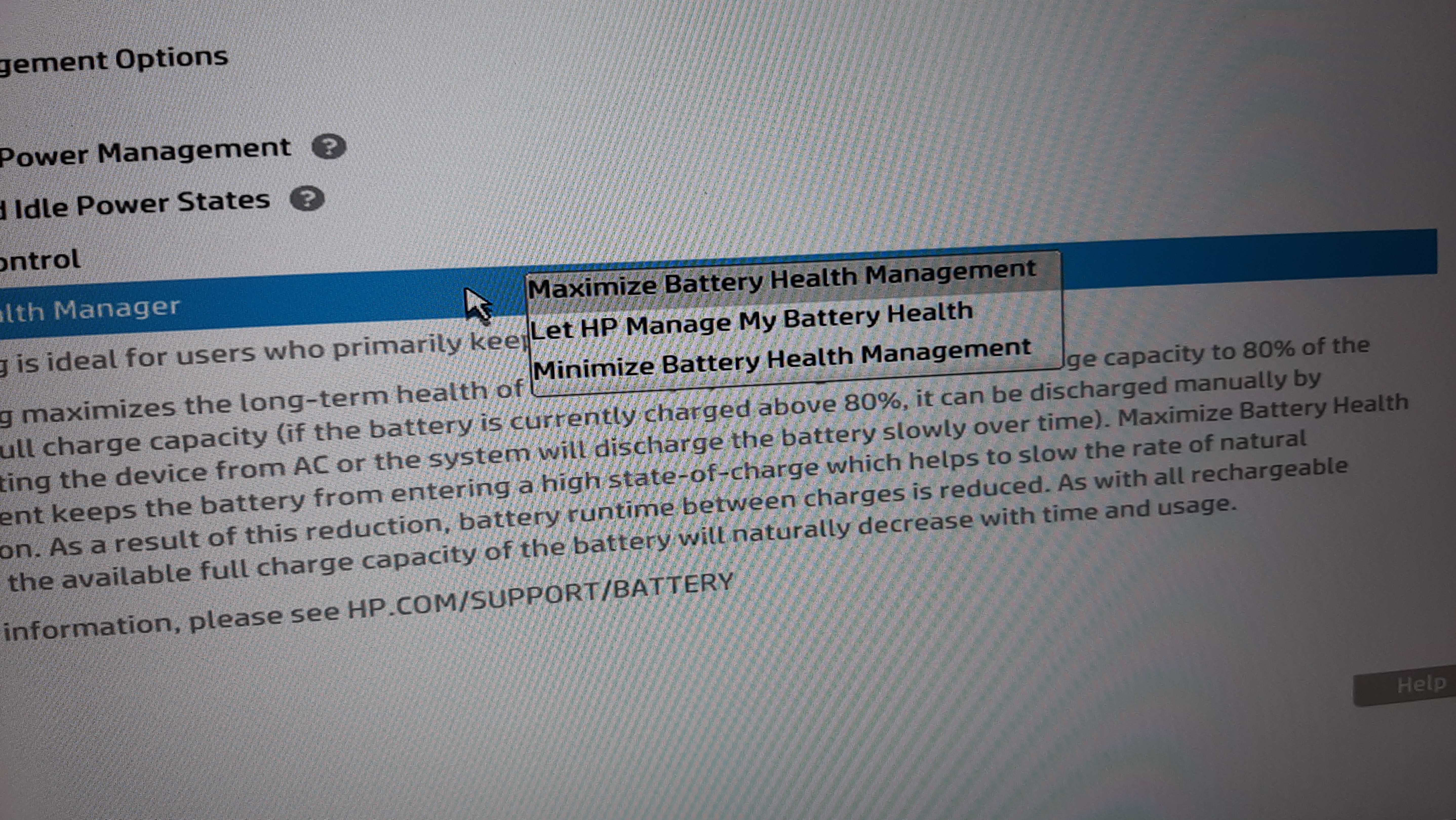
You also have some options in the BIOS that lets you manage your battery in a good way.
Something called Battery Health Manager lets you choose between 3 options: Maximize battery health management, that slows down the charge and wastes enrgy beyond 80%, Let HP manage my battery health, the option by default that has a classic behavior, and Minimize battery health management that lets the battery charge until the maximum. I use the Maximize battery health management option, and I can say it’s ultra efficient.
Unlike lot of devices these days that have batteries with enormous capacities, the ProBook 640 G8 is powered by a 45 Wh 3 cell battery, from which you can't expect more than 6-7 hours of autonomy at 80% when new.
Little precision: most of the time, battery is not new in refurbished devices, but has an excellent capacity between 70-80%. Mine has a capacity around 77%.
Keyboard
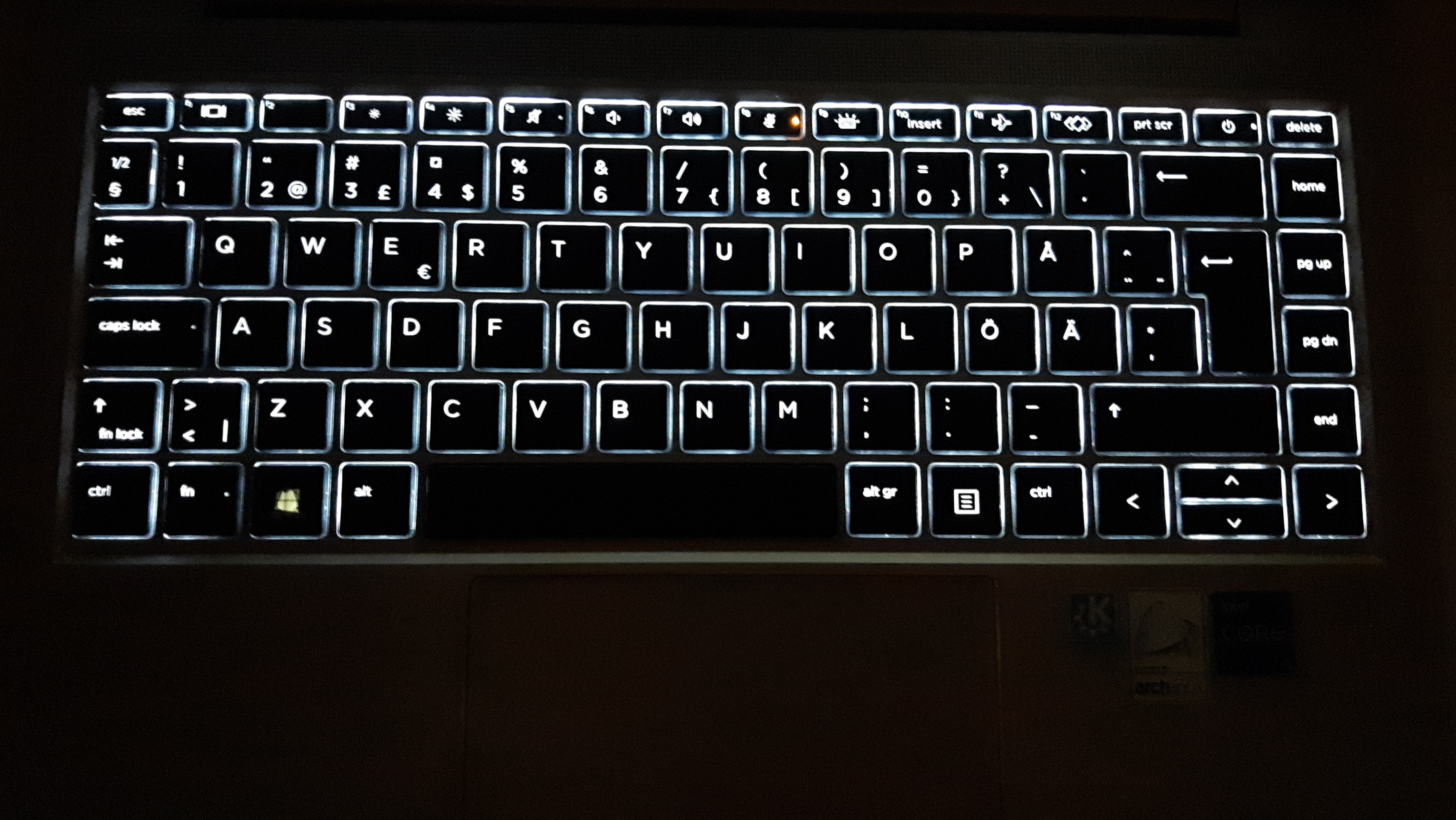
My keyboard is really pleasant to use with high quality soft plastic for the keys (but I know some models have keyborads in cheap plasic) and has an optional backlight with two levels of brightness.
Ports
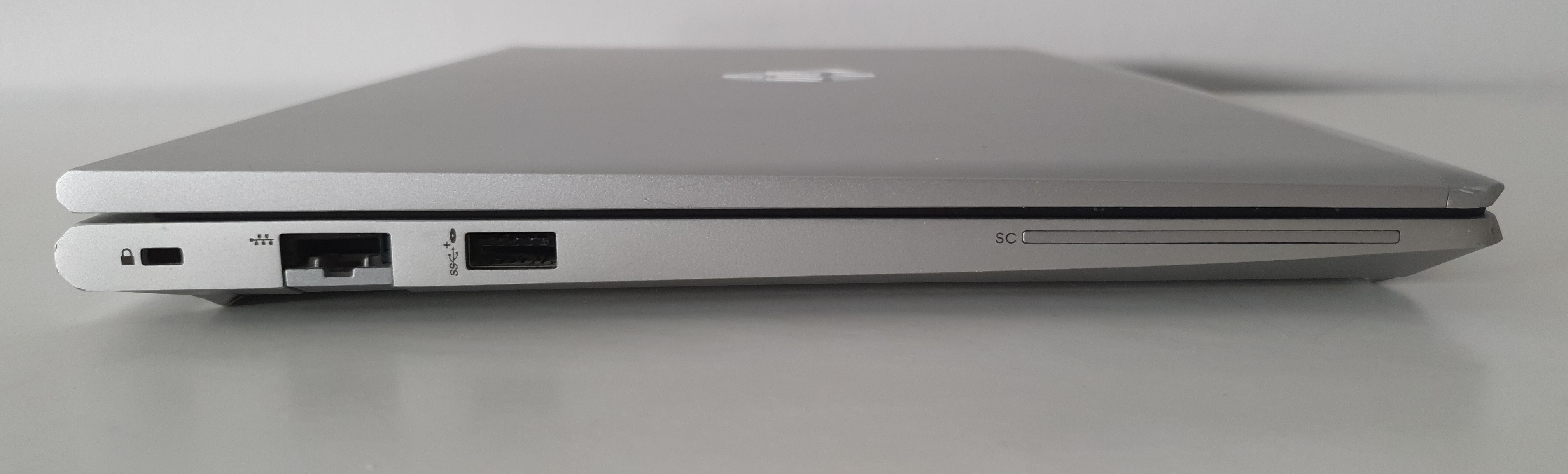
On one side, you have a Kensington lock (little version, some Kensington locks don't fit in there), an Ethernet, an USB port and an optional SC (smart card) reader.
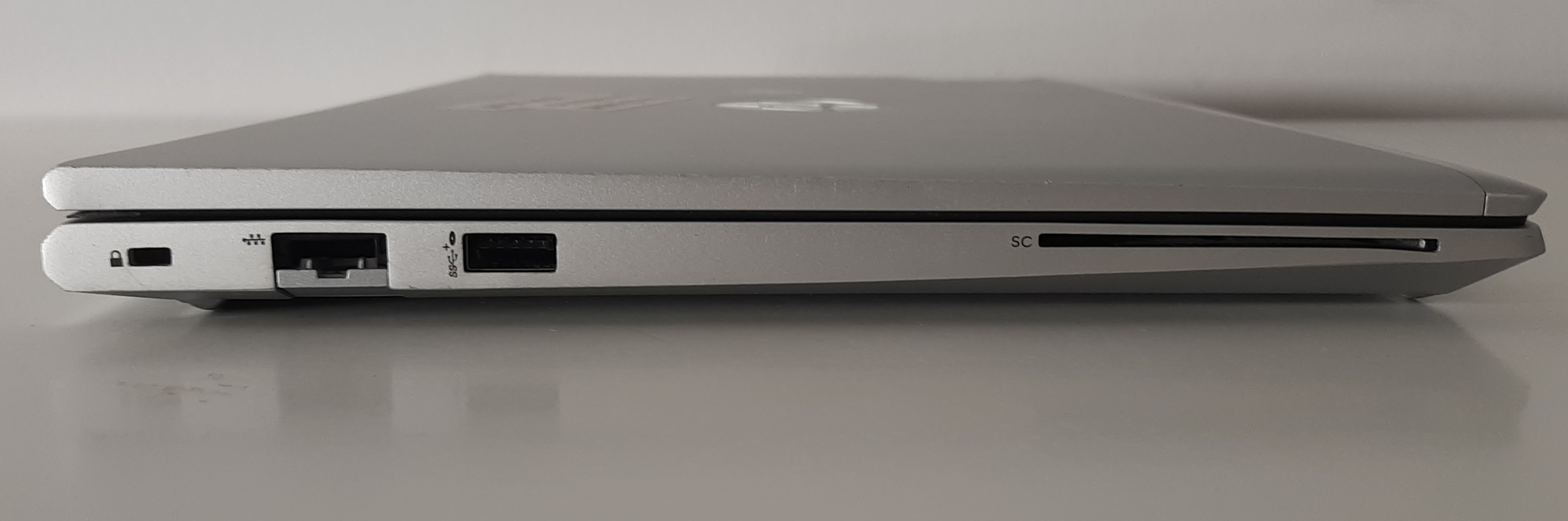
On models without SC reader, there's a piece of plastic screwed inside the computer that blocks the SC hole.
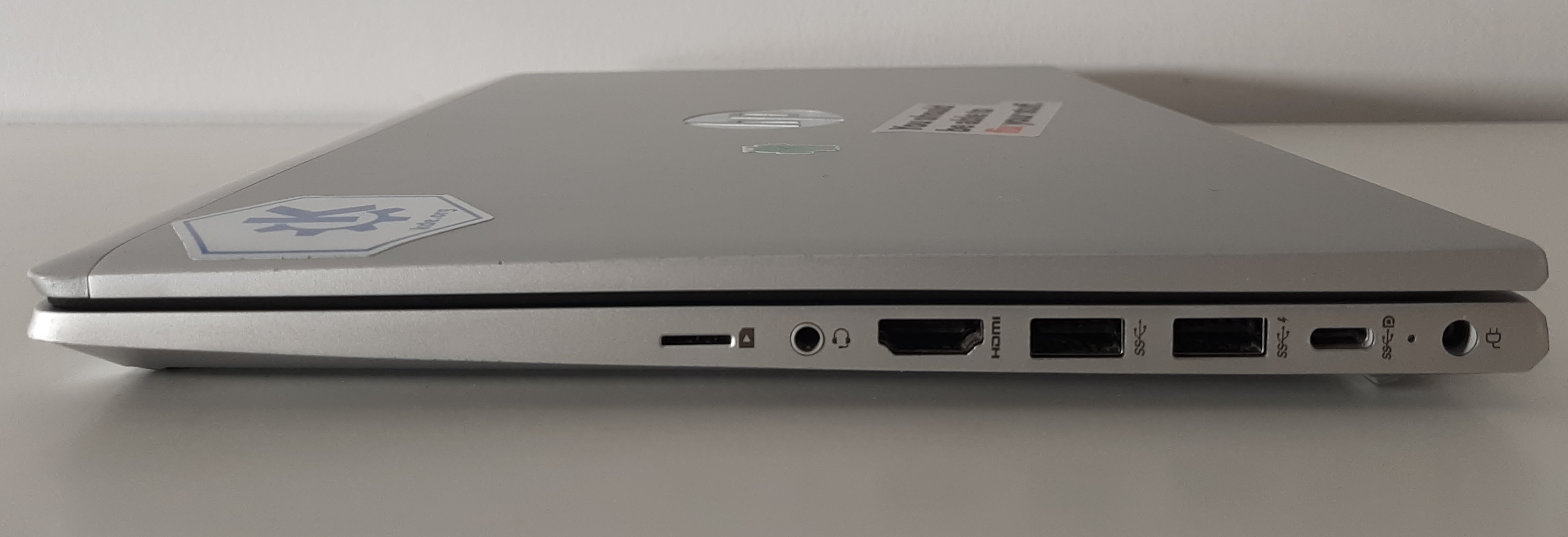
On the other side, there’s two ports that can charge your computer: the classic round charging port used on HP laptops since around 2016 and a modern USB-C with Displayport and that supports charging too. Near those ports, you have two USB ports, one HDMI port, an AUX output and a SIM card reader(to use a SIM card, you have to buy a WWAN module that cost around 50€ and plug in into the PC). In my opinion, there all I need terms of ports, excluding an SD card reader. The missing SD card reader is my only deception in terms of ports.
Dimensions
This ProBook is 1,4 kg light, 1,7 cm thin on the back and 8 mm thin on the front, which is for a 14 inches device with a so huge repairability. It has a length of 32,1 cm, a width of 21,2 cm, and a diagonal of 38,1 cm.


Price
You pay the excellence of this laptop the high price: 1400€. But this is the price it had when sold new in 2021. It was massively used by companies, and companies change their computers very often, which makes it available refurbished at cheap prices for its quality: around 250€ in 2025-26(for instance, I’ve bought mine 241,48€ on Backmarket in good cosmetical condition).
License
This article, as well as the photos included in it © 2026 by Hippolyte are licensed under CC BY-NC-SA 4.0
I took the photos of this article with my Galaxy S10 as well as with my Galaxy A50